CapCut vs Alight Motion: Which App Is Better for Editing?
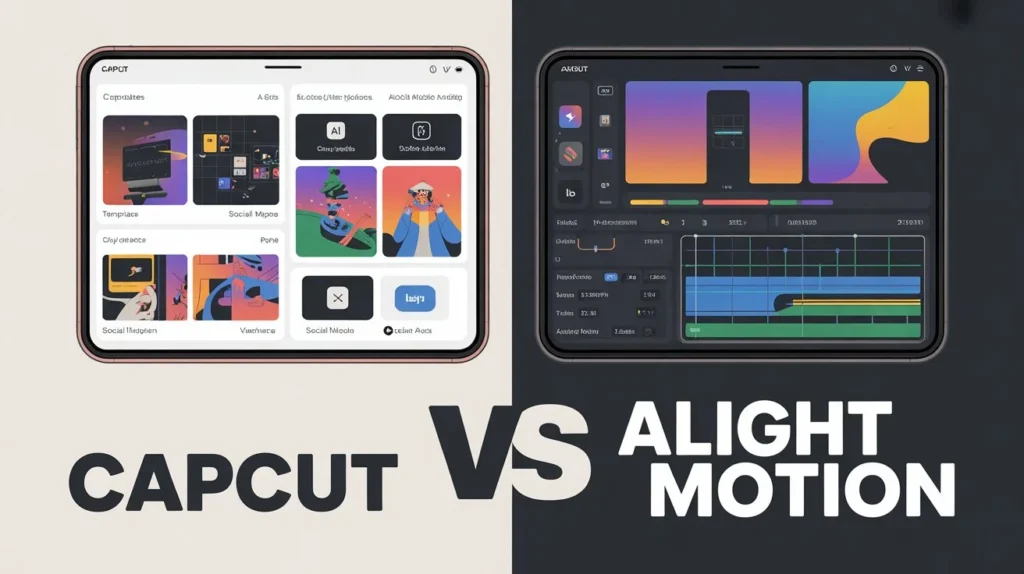
Mobile video editing has become a core part of content creation, whether for social media, YouTube, or personal projects. Among the most popular editing apps today, CapCut and Alight Motion stand out for different reasons. CapCut is known for its simplicity and ready-made templates, while Alight Motion is famous for its professional motion graphics and animation tools.
This article provides a detailed comparison of CapCut vs Alight Motion, covering specifications, features, pricing, benefits, pros and cons, and real-world usability to help you decide which app is better for your editing needs.
Overview of CapCut
CapCut is a beginner-friendly video editing app designed for fast and attractive edits. It focuses on pre-built effects, transitions, templates, and AI-powered tools that allow users to create professional-looking videos with minimal effort. CapCut is especially popular among short-form content creators.
CapCut Specifications
| Specification | Details |
| Platform | Android, iOS |
| Skill Level | Beginner to Intermediate |
| Editing Style | Template-based, quick edits |
| Resolution Support | Up to 4K |
| AI Tools | Yes |
| Motion Graphics | Limited |
| Best For | Social media content |
Overview of Alight Motion
Alight Motion is a more advanced editing app that focuses on motion graphics, keyframe animation, and visual effects. It is often used by editors who want full control over animations, transitions, and layered compositions. While it has a steeper learning curve, it offers deeper customization.
Alight Motion Specifications
| Specification | Details |
| Platform | Android, iOS |
| Skill Level | Intermediate to Advanced |
| Editing Style | Manual, animation-based |
| Resolution Support | Up to 4K |
| Keyframe Animation | Yes |
| Motion Graphics | Advanced |
| Best For | Motion graphics and animations |
Features Introduction
Both apps provide powerful editing tools, but they target different types of users. Understanding their core features helps highlight their strengths and weaknesses.
Feature Comparison of CapCut vs Alight Motion
| Feature | CapCut | Alight Motion |
| User Interface | Simple and clean | Professional but complex |
| Templates | Extensive built-in templates | Very limited |
| Keyframe Animation | Basic | Advanced |
| Visual Effects | Ready-made effects | Custom effects |
| Text Animation | Pre-animated styles | Fully customizable |
| AI Tools | Strong AI support | Minimal AI |
| Learning Curve | Easy | Steep |
CapCut focuses on speed and automation, while Alight Motion emphasizes creative control and precision.
Pricing Comparison
| Pricing Aspect | CapCut | Alight Motion |
| Free Version | Yes | Yes |
| Watermark | No | Yes (free version) |
| Paid Plan | Optional | Subscription-based |
| Value for Money | High for beginners | High for professionals |
CapCut offers more freedom in its free version, while Alight Motion’s premium plan unlocks its true potential.
Benefits of CapCut
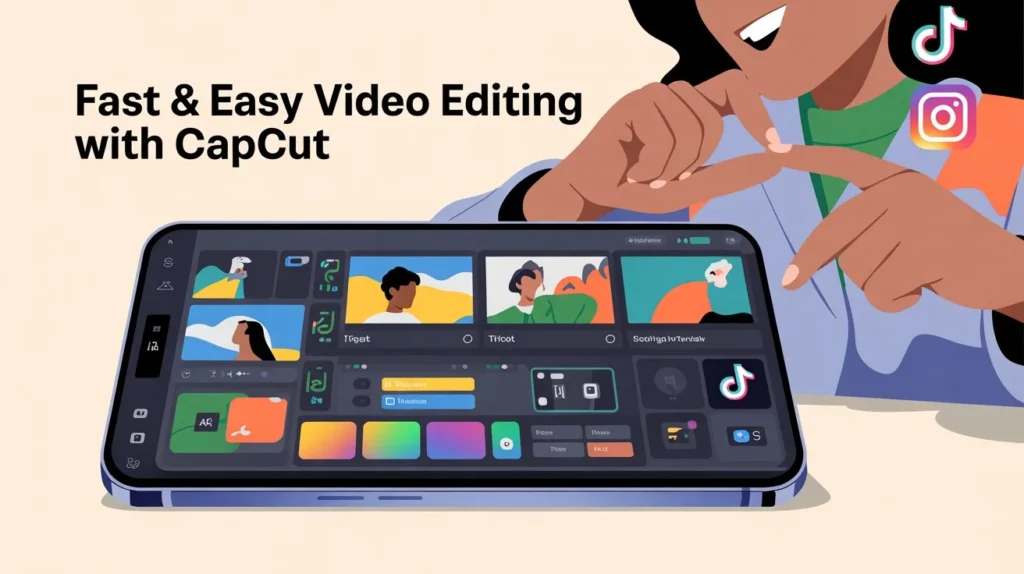
CapCut is ideal for users who want fast results without technical complexity. Its biggest advantage is accessibility.
Key Benefits
- Extremely easy to use
- Built-in templates save time
- AI features improve workflow
- No watermark in most cases
- Perfect for short-form videos
CapCut allows users to focus on creativity rather than technical details.
Benefits of Alight Motion
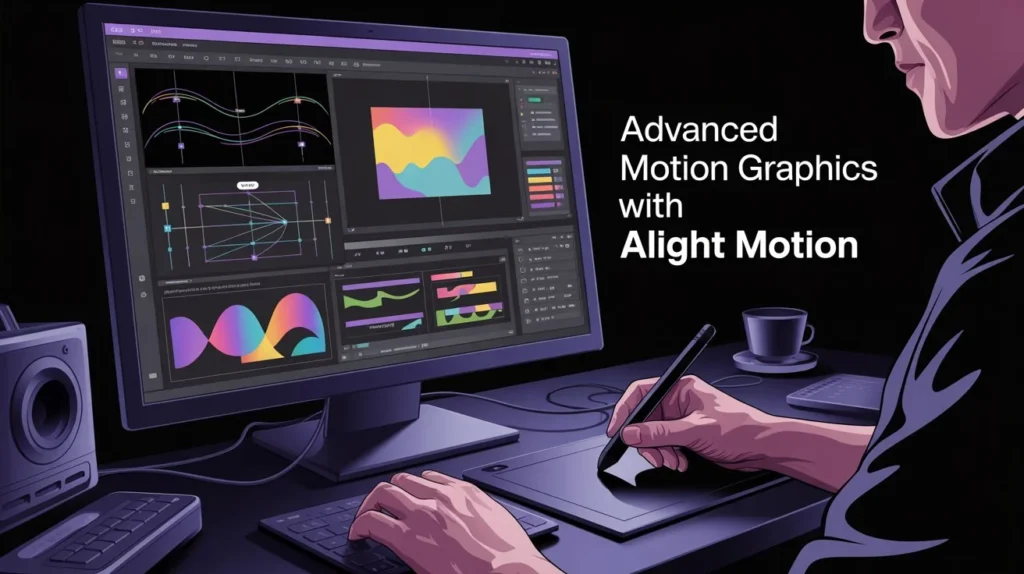
Alight Motion shines when it comes to professional-grade animation and visual storytelling.
Key Benefits
- Advanced keyframe animation
- Full control over effects
- Professional motion graphics tools
- Layer-based editing system
- Ideal for custom animations
For users who enjoy detailed editing, Alight Motion offers unmatched flexibility.
Pros and Cons Comparison
| App | Pros | Cons |
| CapCut | Easy to use, fast editing, AI tools, templates | Limited animation control |
| Alight Motion | Powerful animations, professional effects | Steep learning curve, watermark |
This comparison shows that CapCut prioritizes ease, while Alight Motion prioritizes depth.
Which One Is Best?
Choosing the best app depends entirely on your editing goals. There is no one-size-fits-all answer. Instead, the best choice is the app that matches your skill level and content type.
Best Choice Based on User Type
- Beginners & casual creators → CapCut
- Professional editors & animators → Alight Motion
- Social media reels → CapCut
- Motion graphics projects → Alight Motion
Suggestions
If you are just starting out or want quick edits with minimal effort, CapCut is the better option. It allows you to create trendy videos without learning complex tools.
However, if you want to master animations, create custom transitions, or work on detailed motion graphics, investing time in Alight Motion will pay off in the long run.
Many creators even use both apps together—CapCut for fast edits and Alight Motion for advanced animation work.
Final Thoughts
CapCut and Alight Motion are both excellent editing apps, but they serve different purposes. CapCut is built for speed, simplicity, and social media trends, while Alight Motion is designed for precision, creativity, and advanced motion graphics.
If your goal is quick, eye-catching videos, CapCut is the better choice. If your goal is professional animation and detailed control, Alight Motion stands out.Understanding your needs will help you choose the right app and improve your editing experience.
FAQs

Ella Vance
I’m Ella Vance, a passionate video editor and content creator dedicated to helping people learn video editing the easy way. I believe every creator deserves access to powerful, beginner-friendly tools—without limitations or confusion. Through my guides, tutorials, and reviews, I aim to simplify editing so anyone can turn their ideas into polished, professional videos.