CapCut vs InShot: Features, Templates, and Ease of Use Compared
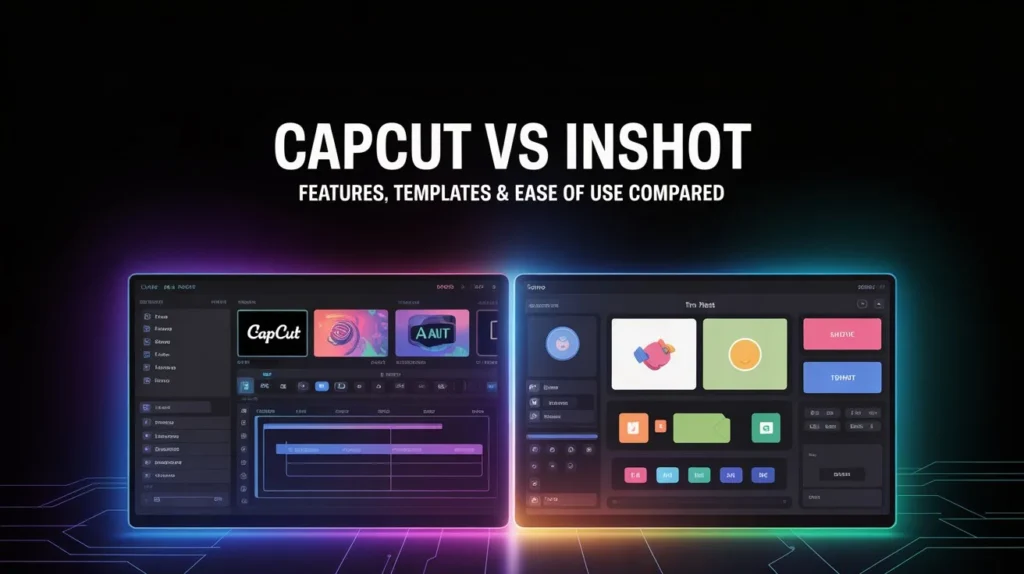
CapCut is a powerful video editing application designed for modern content creators, and in the CapCut vs InShot comparison, it stands out for offering professional-level tools on mobile devices. It is widely used for creating short-form videos, social media reels, and creative projects that require advanced effects and precise control. CapCut offers multi-layer editing, smooth animations, and AI-powered tools, making it suitable for both beginners and advanced editors who want flexibility and creativity in one platform.
InShot is a simple and beginner-friendly app focused on fast and easy editing. It is popular among casual users and social media creators who want quick results without dealing with complex tools. InShot emphasizes simplicity, offering essential features like trimming, filters, text, stickers, and music integration. Its clean interface allows users to edit videos efficiently with minimal learning effort.
Specification Comparison Table
| Feature | CapCut | InShot |
| Platform Support | Android, iOS, Desktop | Android, iOS |
| Editing Style | Advanced & multi-layer | Simple & single-layer |
| Templates | Large built-in template library | Limited preset styles |
| Keyframe Animation | Available | Not available |
| AI Tools | Auto captions, background removal | Basic automation |
| Text & Effects | Advanced animations & styles | Simple text and effects |
| Export Quality | High resolution with smooth frame rates | High quality (premium unlocks more) |
| Best For | Professional and creative editing | Quick and easy edits |
Features Comparison in Detail
Editing Tools and Controls
CapCut provides a full editing timeline with multiple layers, allowing users to combine video clips, images, audio tracks, and overlays. Keyframe animation gives precise control over movement and effects, enabling cinematic results. Users can also apply masking, blending modes, and speed curves for dynamic transitions.
InShot focuses on essential tools. Users can trim clips, adjust speed, add background music, voiceovers, and apply filters. While it lacks complex controls, it delivers smooth performance for basic edits and social media videos.
Templates and Presets
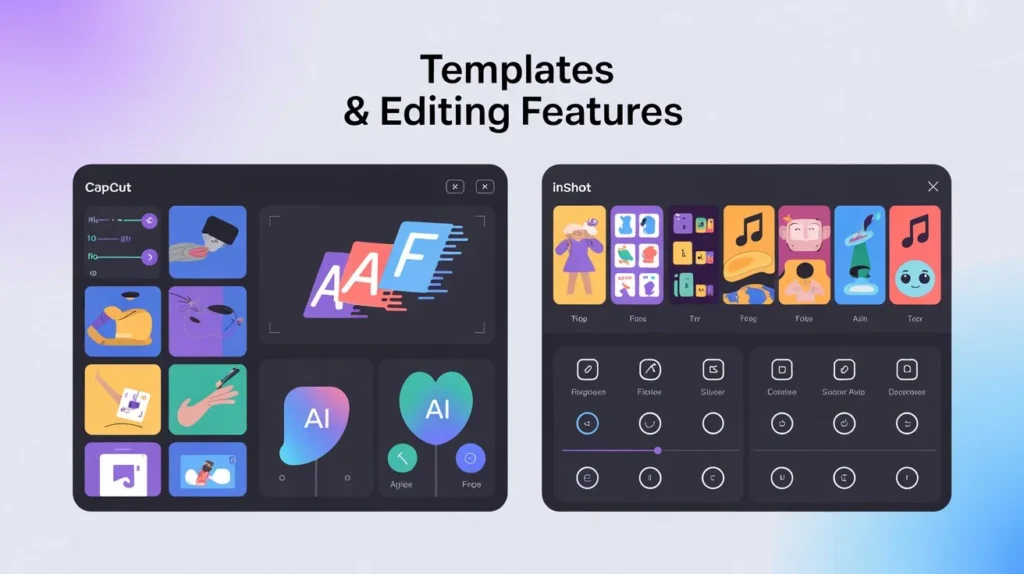
CapCut stands out with its ready-made templates that include effects, transitions, text animations, and synced music. These templates help users create trendy videos quickly by simply adding their media.
InShot does not heavily rely on templates. Instead, it offers filters, transitions, and stickers that must be applied manually. This gives creative control but requires more time and effort.
Ease of Use and Learning Curve
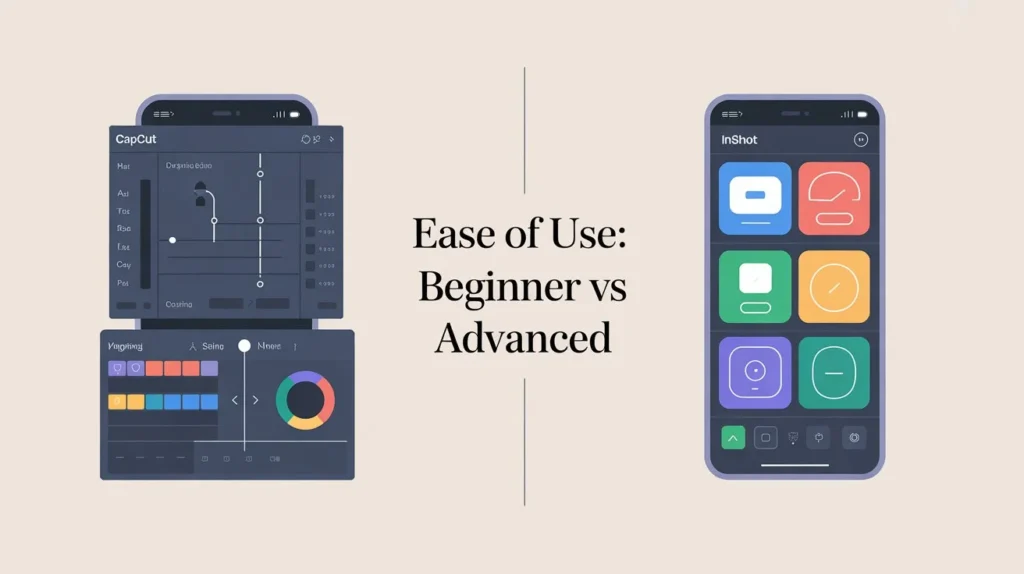
InShot is extremely easy to use. Its tools are well-organized, making it ideal for beginners and users who want instant results. Most features can be accessed with just a few taps.
CapCut has a slightly steeper learning curve due to its advanced features. However, once users become familiar with the interface, it provides far more creative freedom and professional control.
Performance and Export Options
CapCut handles complex projects smoothly and supports high-quality exports suitable for professional content. It performs well even with multiple layers and effects.
InShot performs best for short videos and quick edits. While export quality is good, some advanced options are available only in the premium version.
Pros and Cons
CapCut Pros
- Advanced editing tools
- Large template collection
- Multi-layer timeline
- AI-powered features
- Suitable for professional content
CapCut Cons
- Slight learning curve for beginners
- Can feel overwhelming for simple edits
InShot Pros
- Very easy to use
- Clean and beginner-friendly interface
- Fast editing workflow
- Ideal for casual users
InShot Cons
- Limited advanced features
- Fewer templates
- Less control for professional edits
Conclusion
CapCut and InShot both serve different types of users. CapCut is ideal for creators who want advanced features, creative templates, and professional-level editing tools. It is perfect for those willing to learn and explore detailed editing options.
InShot, on the other hand, is best for users who want quick, simple, and hassle-free editing. It works well for beginners, social media users, and anyone who values ease of use over advanced functionality.
Choosing between CapCut and InShot ultimately depends on your editing goals, experience level, and the type of content you want to create.
FAQs

Ella Vance
I’m Ella Vance, a passionate video editor and content creator dedicated to helping people learn video editing the easy way. I believe every creator deserves access to powerful, beginner-friendly tools—without limitations or confusion. Through my guides, tutorials, and reviews, I aim to simplify editing so anyone can turn their ideas into polished, professional videos.