CapCut vs VN Video Editor: Best App for Beginners in 2026
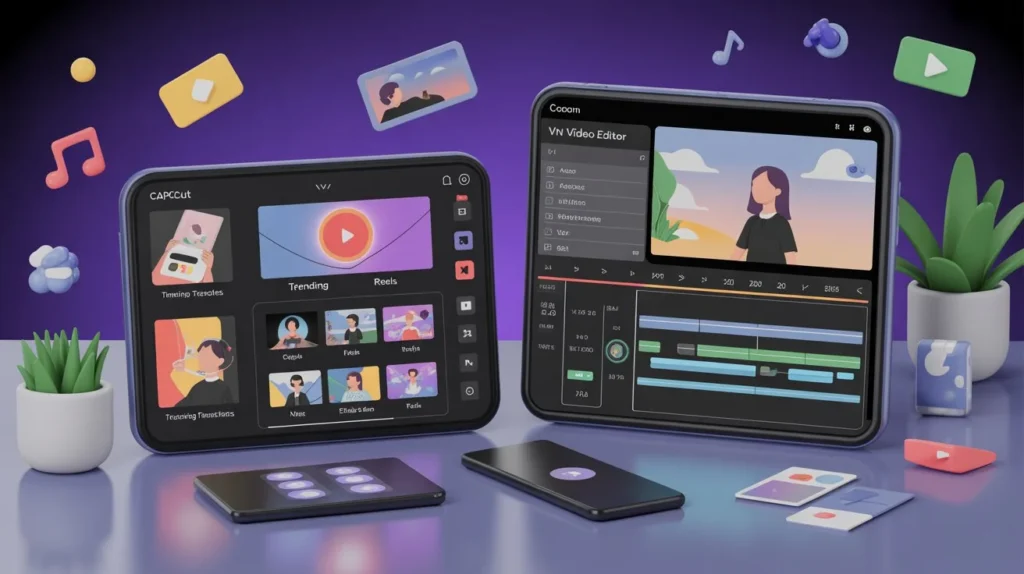
Video editing has become an essential skill in 2025, especially with the rise of short-form content on social media platforms. Beginners often struggle to choose the right editing app that is powerful yet easy to learn. Two popular choices that frequently come up are CapCut vs VN Video Editor. Both apps are designed for mobile users and offer professional-looking results without requiring advanced technical knowledge. However, they differ in features, workflow, pricing, and overall user experience. This article provides a detailed comparison of CapCut vs VN Video Editor to help beginners decide which app suits them best in 2025.
CapCut Overview
CapCut is a user-friendly video editing application known for its modern interface and ready-to-use creative tools. It is especially popular among social media creators who want fast results with minimal effort.
CapCut Specifications Table
| Specification | Details |
| App Type | Mobile Video Editor |
| Supported Platforms | Android, iOS |
| Skill Level | Beginner to Intermediate |
| Editing Style | Template-based and Manual |
| Export Quality | Up to High Resolution |
| Best For | Social media videos, reels, shorts |
VN Video Editor Overview
VN Video Editor, often called VN, focuses on manual editing and clean timelines. It is appreciated by users who want more control without dealing with complex professional software.
VN Video Editor Specifications Table
| Specification | Details |
| App Type | Mobile Video Editor |
| Supported Platforms | Android, iOS |
| Skill Level | Beginner to Advanced |
| Editing Style | Manual timeline editing |
| Export Quality | High resolution with no watermark |
| Best For | Vlogs, cinematic edits, YouTube videos |
Features Of CapCut vs VN Video Editor
Both CapCut and VN Video Editor provide essential editing tools, but their approach is different.
CapCut focuses on automation and ease, offering pre-designed templates, auto captions, transitions, and effects. VN Video Editor emphasizes creative freedom, giving users a clean timeline and full control over clips, layers, and audio.
Feature Comparison

| Feature | CapCut | VN Video Editor |
| User Interface | Modern and guided | Clean and professional |
| Templates | Available | Not available |
| Timeline Control | Limited for beginners | Full manual control |
| Transitions & Effects | Pre-built and trendy | Simple but customizable |
| Text & Captions | Auto captions supported | Manual text editing |
| Audio Editing | Basic | Advanced audio control |
| Learning Curve | Very easy | Slightly higher |
Prices Comparison Table
| Pricing Aspect | CapCut | VN Video Editor |
| Free Version | Yes | Yes |
| Watermark | May appear in some exports | No watermark |
| Paid Version | Optional premium features | Mostly free features |
| Beginner Cost | Very low | Free |
Both apps are accessible for beginners, but VN offers more features without forcing upgrades.
Benefits Introduction
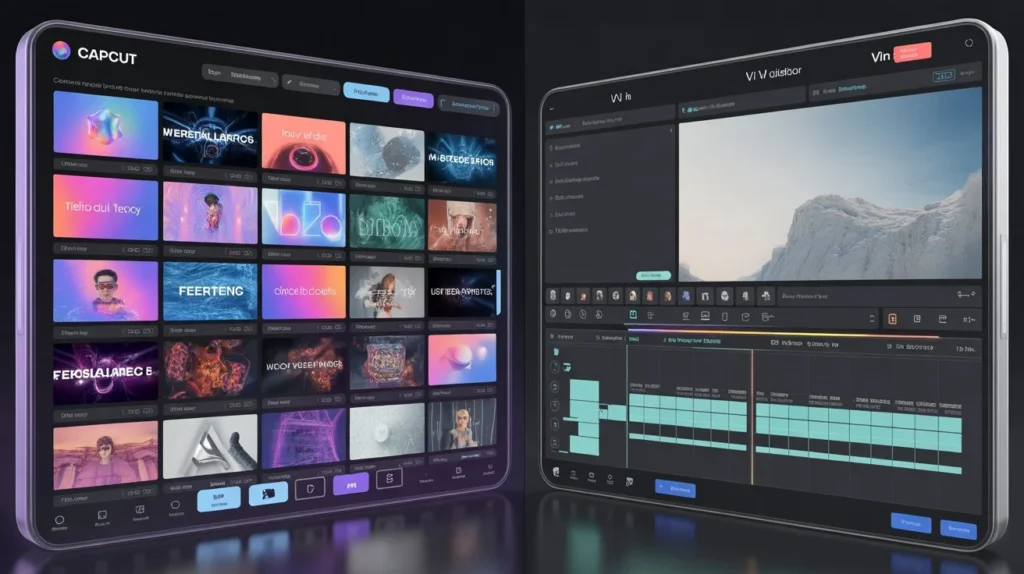
Choosing the right app depends on what benefits matter most to a beginner. Some users want speed and simplicity, while others prefer learning real editing skills.CapCut benefits users who want quick content creation, while VN benefits those who want long-term editing skills
Benefits of CapCut
- Extremely easy to use for beginners
- Ready-made templates save time
- Trend-focused effects and transitions
- Ideal for short videos and reels
Fast editing with minimal effort
Benefits of VN Video Editor
- No watermark on exports
- Professional-style timeline editing
- Better audio control
- Smooth performance on most devices
Encourages skill development
Pros and Cons Table
| App | Pros | Cons |
| CapCut | Easy learning, trendy effects, templates | Limited manual control, watermark in some cases |
| VN Video Editor | Full control, no watermark, clean UI | Fewer effects, slightly harder for absolute beginners |
Which One Is Best? Introduction
Deciding which app is better depends on the beginner’s goal. Some beginners want instant results, while others want to grow as editors.
Which App Is Best for Beginners in 2025?
If you are a complete beginner who wants to create eye-catching videos quickly without learning complex tools, CapCut is the better choice. Its templates and automated features make video editing almost effortless.
However, if you are a beginner who wants to learn proper video editing techniques and plans to move toward professional editing in the future, VN Video Editor is the smarter option. It teaches you how timelines, layers, and audio work without overwhelming you.
Suggestions for Beginners
- Choose CapCut if your focus is social media trends and fast content creation
- Choose VN Video Editor if you want control and long-term editing skills
- Try both apps for a week to understand your comfort level
Start with simple edits before using advanced tools
Final Thoughts
In 2025, both CapCut and VN Video Editor remain excellent options for beginners. CapCut shines with its simplicity, templates, and trend-friendly tools, making it ideal for casual creators and social media users. VN Video Editor stands out for its clean design, professional timeline, and freedom from watermarks, making it perfect for users who want to grow as editors.
There is no single “perfect” app for everyone. The best app is the one that matches your editing goals, learning style, and creative vision.
FAQs

Ella Vance
I’m Ella Vance, a passionate video editor and content creator dedicated to helping people learn video editing the easy way. I believe every creator deserves access to powerful, beginner-friendly tools—without limitations or confusion. Through my guides, tutorials, and reviews, I aim to simplify editing so anyone can turn their ideas into polished, professional videos.